
A point of sale system for the price of a burger
Take Orders takes your customers’ orders and sends them to the kitchen in seconds. On iPhone, iPad and Android, built by a restaurant owner for fast food joints, food trucks, snack bars, pizzerias and coffee shops.
- Free trial, no commitment
- Then a low monthly subscription
Everything you need to serve fast
Simple enough for beginners, powerful enough for pros. No special hardware required: your phone or tablet is all you need.
Lightning-fast ordering
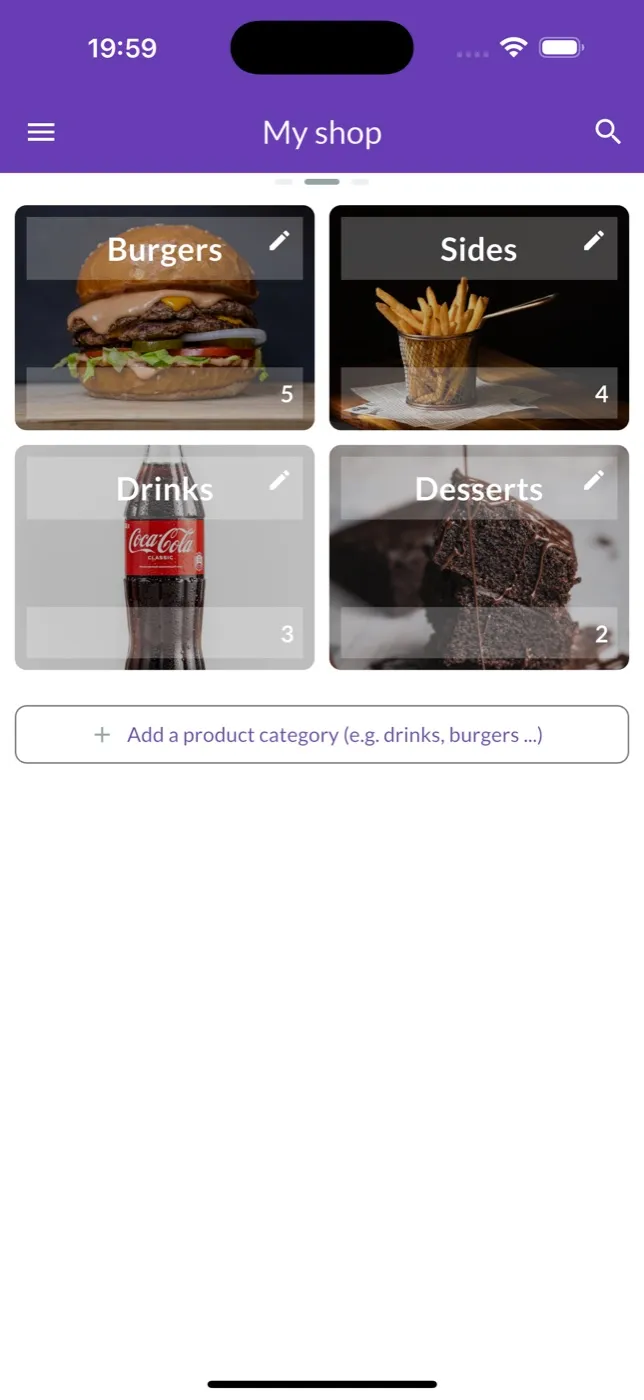
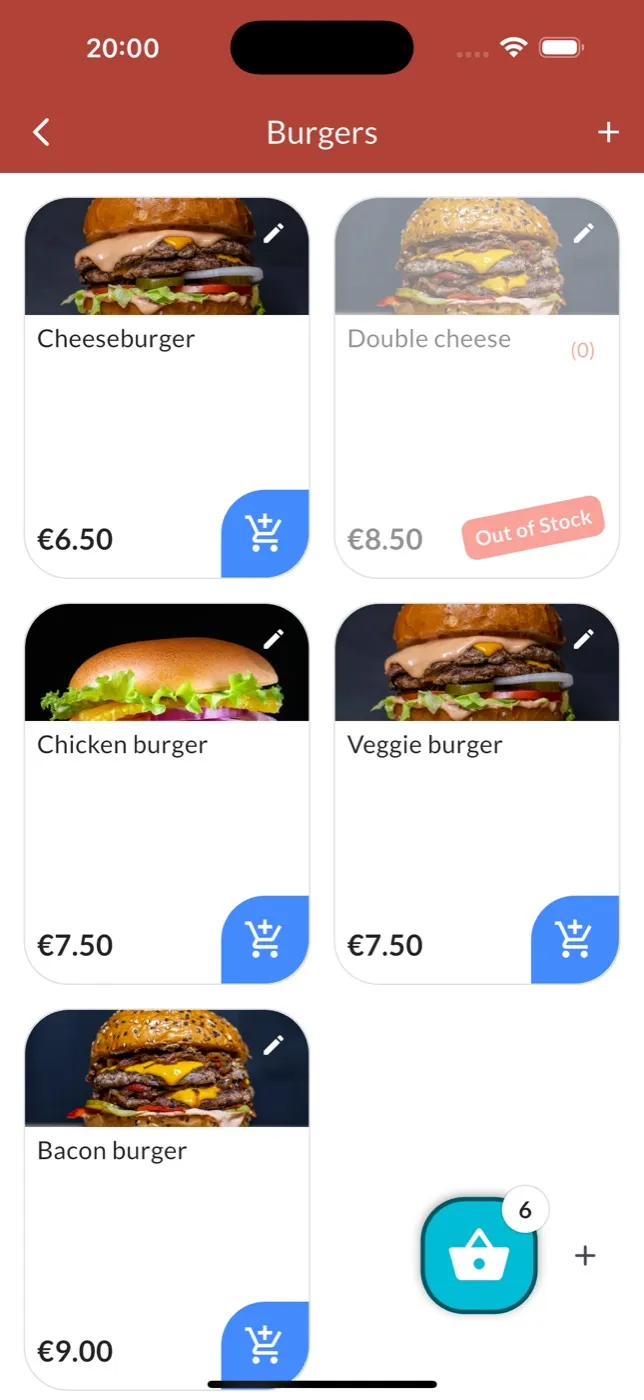
Products sorted by category, meal deals, paid or free extras: an order takes just a few taps.
Kitchen tickets
Numbered, dated, customizable tickets on Bluetooth, network or USB thermal printers.
Kitchen display
No printer? Orders show up live in the kitchen and switch to “Ready” with a single tap.
Self-order kiosk
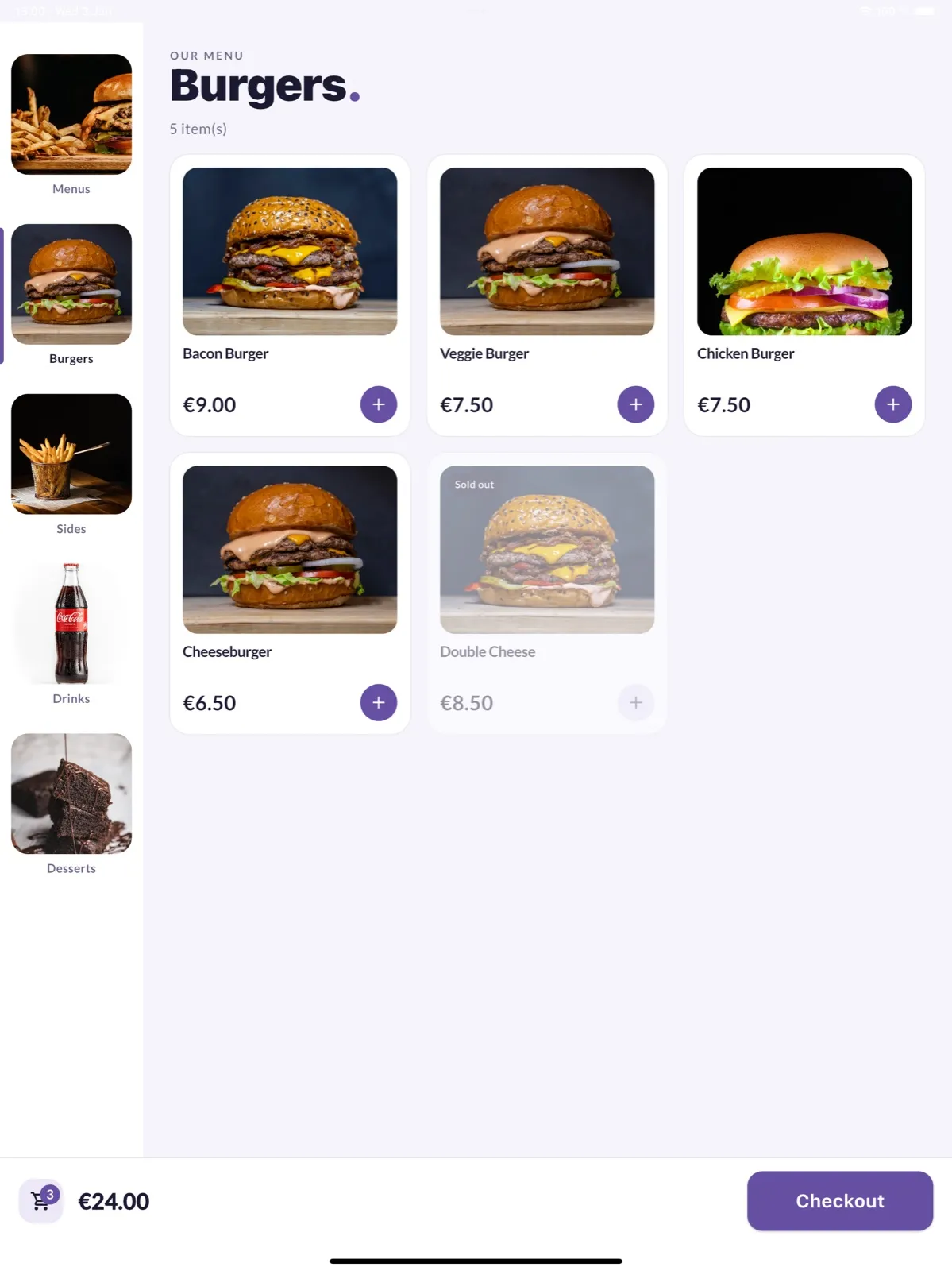
Kiosk mode turns a tablet into a self-service station: customers place their own orders.
Card payments
Take card and contactless payments with a SumUp reader, or cash.
Dine-in, takeaway, delivery
Order type and table number are clear for the whole team.
Loyalty card
A built-in stamp card that keeps customers coming back, no paper cards to print.
Sales reports
Revenue, best-selling and most profitable products, day after day.
Multi-device, even offline
One account on several synced devices, at no extra cost, with or without internet.
Orders reach the kitchen without mistakes
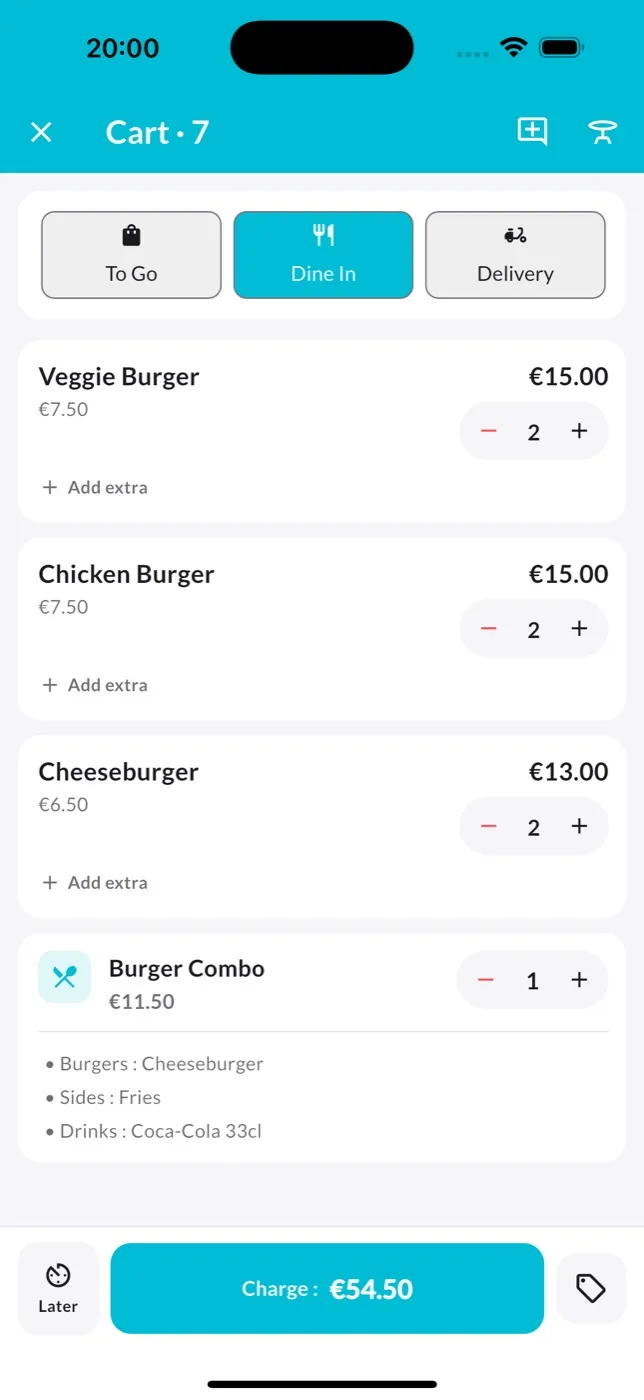
Pick dine-in, takeaway or delivery, add products, meal deals and extras, then send: the ticket prints in the kitchen, clear and numbered. Your cook will thank you.
You can also park an order for later, or apply a discount.
Live orders, even without a printer
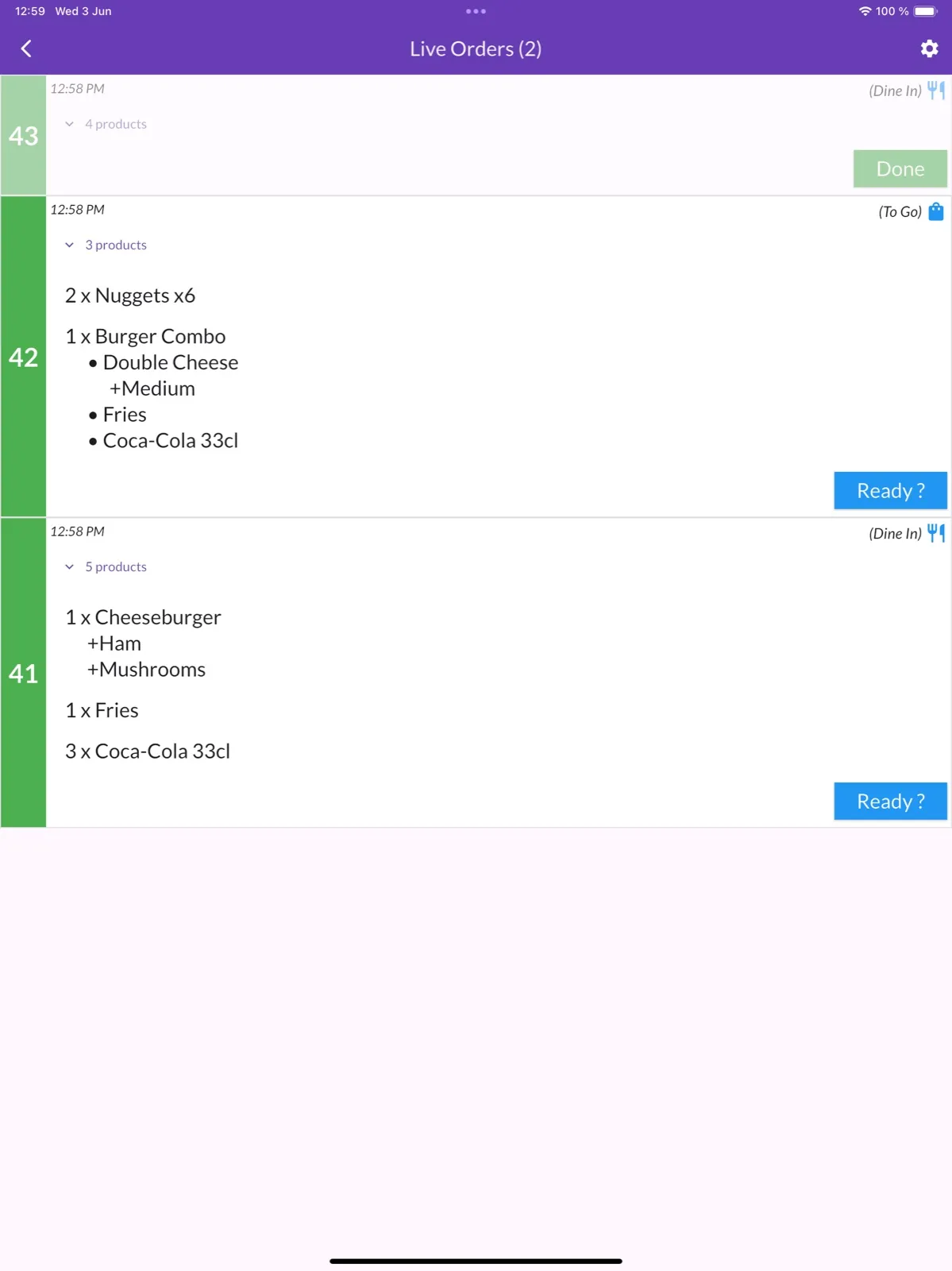
Put a tablet in the kitchen: every order shows up with its number, time, and full details of meals and options. One tap on “Ready?” and the order is done.
Receipts can also be sent by email or shared by text message.
Your customers order on their own
Kiosk mode turns a tablet into a self-service station: photos of your products, meal deal builder, choice of extras. During the rush, the line moves on its own.
Sold-out items are grayed out in one click, and a code locks the exit from kiosk mode.
Built by a restaurant owner
Food-connect was born behind a counter: a coffee shop that opened in 2017. A developer by trade, its founder built the POS he needed: fast, no expensive hardware, and no overpriced subscription. Today, thousands of businesses use it.
Read the founder’s story (in French)Simple pricing, no surprises
Yes, about the price of a kebab. And no commitment.
Take Orders subscription
Start with a free trial
- Every device in your business
- Kitchen tickets and “Live orders” screen
- Self-order kiosk mode
- SumUp and cash payments
- Loyalty card and sales reports
- Receipts by email or text message
Monthly subscription that renews automatically, cancel anytime from the App Store or Google Play.
You might be wondering…
Which devices does the app run on?
Take Orders runs on iPhone, iPad, and Android phones and tablets. It’s a free download on the App Store and Google Play.
How much does the POS software cost?
The trial is free with no commitment. After that, it’s an affordable monthly subscription — less than the price of a burger. You can cancel anytime from your App Store or Google Play subscription settings.
Can I use the POS on several devices?
Yes. The same account works on multiple phones or tablets, all synced together, at no extra cost: a tablet at the counter, a phone for taking orders, a screen in the kitchen.
Do I need an internet connection?
No, the POS works offline too. Only card payments with the SumUp reader require a connection.
Which receipt printer should I use?
A standard thermal printer (ESC/POS protocol, 58 or 80 mm paper) over Bluetooth, network (Wi-Fi or Ethernet) or USB. Tickets are numbered, dated and customizable.
Ready to take your first orders?
Download Take Orders for free and set up your POS in minutes.